

NetSuite to Intuit Enterprise Suite Migration: A Complete Guide for Mid-Market Businesses
How to Simplify Your NetSuite Migration to Intuit Enterprise Suite
Is your finance team spending more time managing ERP workarounds than delivering insights? If your month-end close is dragging, reporting feels overly complex, and every system update requires outside consultants, it may be time to consider a NetSuite to Intuit Enterprise Suite migration.
Many mid-market companies are rethinking their ERP strategy and moving toward solutions that offer strong financial controls without unnecessary complexity. Intuit Enterprise Suite (IES) is emerging as a leading alternative – combining multi-entity accounting, automation, and ease of use on a single platform.
If you’re questioning NetSuite, this NetSuite to Intuit Enterprise Suite migration story shows how Fourlane helped a mid-market company reduce complexity, improve reporting speed, and lower total cost of ownership.
In this guide, you’ll learn:
- When NetSuite no longer fits your business
- The benefits of Intuit Enterprise Suite vs NetSuite
- How to plan a smooth ERP migration
- Best practices to reduce risk and improve ROI
When to Consider a NetSuite Migration
For many growing businesses, NetSuite was the right choice at one point. But as organizations evolve, ERP systems can become overly complex and costly.
Common Signs It’s Time to Move from NetSuite
If you’re experiencing any of the following, it may be time to evaluate alternatives:
- Long and inefficient month-end close cycles
- Heavy reliance on consultants for minor changes
- Increasing ERP costs with limited ROI
- Complex reporting that requires spreadsheets
- Low adoption outside the finance team
These issues often indicate that your ERP system no longer aligns with your current business model.
Why Mid-Market Companies Are Moving to Intuit Enterprise Suite
Intuit Enterprise Suite vs NetSuite

When comparing Intuit Enterprise Suite vs NetSuite, the biggest difference comes down to complexity vs usability.
NetSuite:
- Designed for enterprise-scale operations
- Requires customization and ongoing consulting
- Higher total cost of ownership
Intuit Enterprise Suite:
- Built for mid-market businesses
- Faster implementation and easier adoption
- Lower cost with strong core functionality
IES provides:
- Multi-entity accounting and consolidation
- Real-time financial reporting and dashboards
- Integrated payroll, payments, and bill pay
- Seamless integrations with third-party tools
Because it’s built on a familiar QuickBooks ecosystem, teams can get up and running quickly with minimal training.
Key Benefits of Migrating to Intuit Enterprise Suite
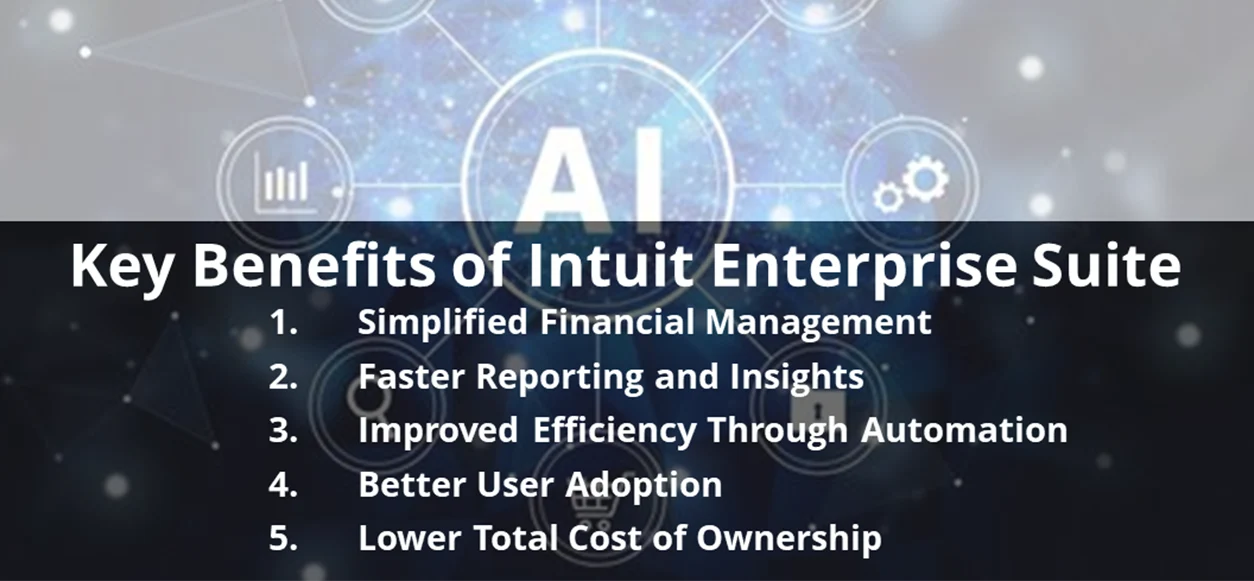
- Simplified Financial Management: IES eliminates unnecessary ERP complexity while maintaining strong financial controls.
- Faster Reporting and Insights: Real-time dashboards and consolidated reporting replace manual spreadsheets.
- Improved Efficiency Through Automation: Automation reduces manual processes across accounts payable, reconciliation, and reporting.
- Better User Adoption: A familiar interface increases adoption across finance and non-finance teams.
- Lower Total Cost of Ownership: Avoid enterprise-level pricing for features you don’t need.
IES also incorporates AI-driven automation for tasks like categorization and forecasting, helping finance teams focus on strategy instead of manual work.
How to Plan a NetSuite to Intuit Enterprise Suite Migration
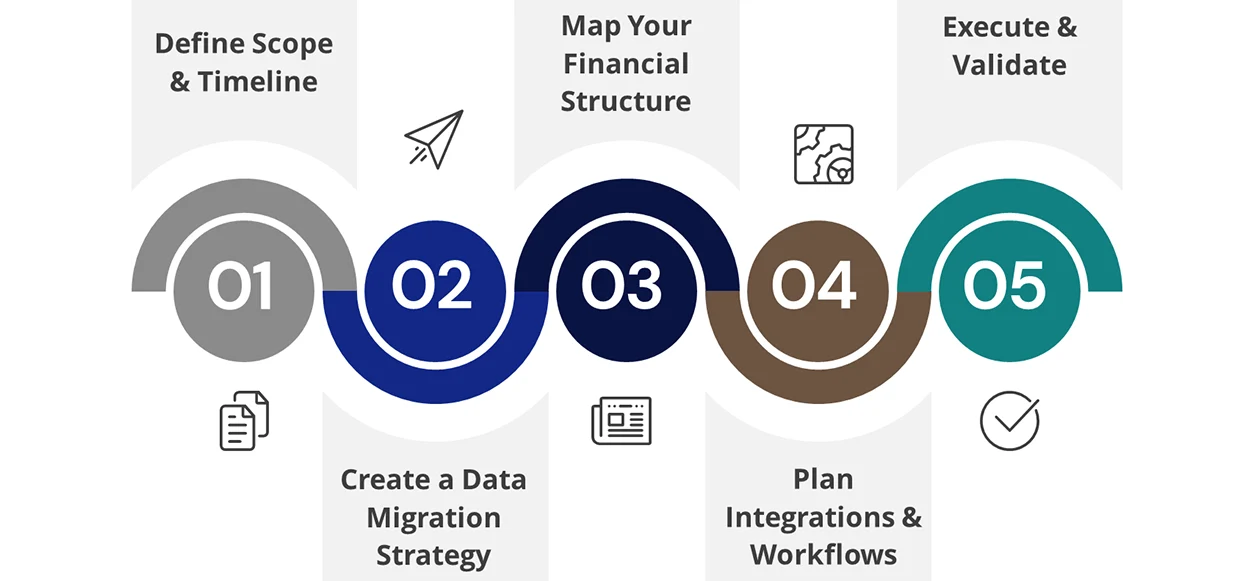
A successful ERP migration requires careful planning and execution.
Step 1: Define Scope and Timeline
How long does a migration from NetSuite to QuickBooks or Intuit Enterprise Suite take?
Most NetSuite migration projects take 8–16 weeks depending on:
- Number of entities
- Data complexity
- Customizations and integrations
Planning around key business events – like audits or month-end close – is critical.
Step 2: Create a Data Migration Strategy
Not all historical data needs to be migrated.
Best practice:
- Migrate open transactions and current balances
- Include recent financial history for reporting
- Archive older data for reference
This approach reduces system complexity while maintaining audit compliance.
Step 3: Map Your Financial Structure
Use migration as an opportunity to optimize:
- Chart of accounts
- Entity structure
- Reporting dimensions
A clean, standardized setup improves reporting and scalability.
Step 4: Plan Integrations and Workflows
Identify and prioritize integrations such as:
- Payroll systems
- CRM platforms
- Banking and payments
- eCommerce or inventory tools
Decide whether to rebuild, replace, or eliminate each integration.
Step 5: Execute and Validate
A structured migration process typically includes:
- Assessment
- Data validation
- System migration (cutover)
- Post-go-live stabilization
Running parallel systems during testing ensures accuracy before full transition.
Best Practices for a Successful ERP Migration
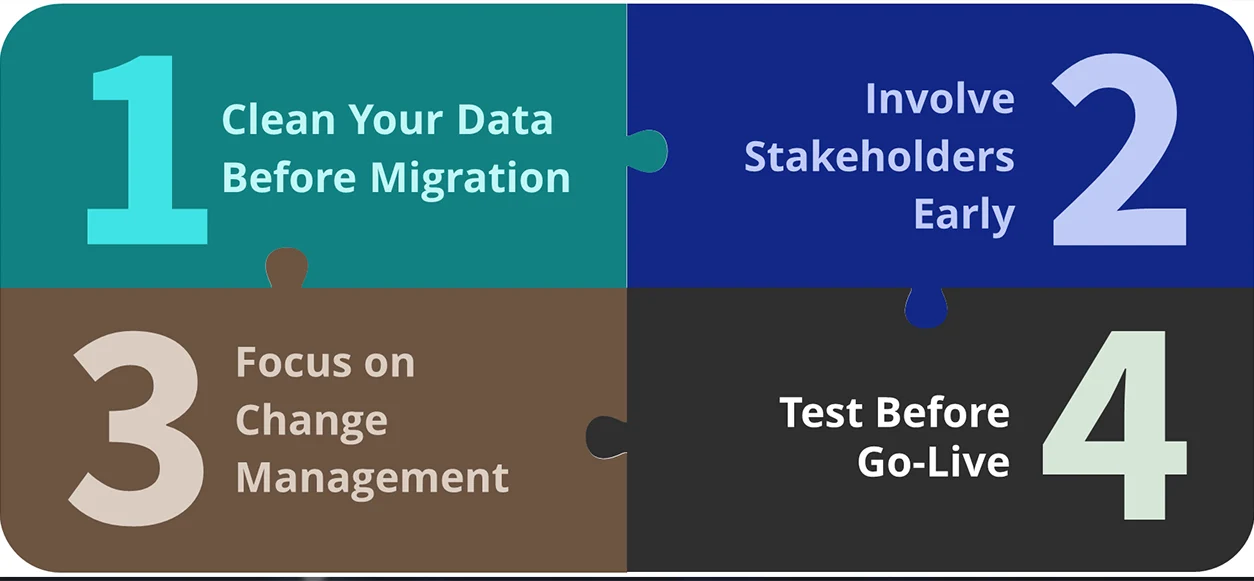
To ensure a smooth NetSuite to Intuit Enterprise Suite implementation, follow these best practices:
- Clean Your Data Before Migration: Remove duplicates, inactive records, and outdated accounts to improve system performance.
- Involve Stakeholders Early: Include finance, IT, and operations teams in planning and testing.
- Focus on Change Management: Provide training and clear communication to drive adoption.
- Test Before Go-Live: Run parallel reporting to identify and resolve discrepancies early.
Measuring ROI After Migration
After implementing Intuit Enterprise Suite, track these KPIs to measure success:
- Faster close cycles
- Reduced manual journal entries
- Improved reporting speed
- Higher user adoption rates
- Lower system maintenance costs
A well-executed migration can deliver significant efficiency gains and long-term ROI.
Common Risks to Avoid
Even with a strong plan, ERP migrations can fail if risks aren’t managed.
Top Migration Risks:
- Undefined project scope
- Poor data governance
- Weak user adoption
- Misaligned timelines
Mitigating these risks requires structured planning, clear ownership, and ongoing validation.
Final Thoughts: Choosing the Right ERP for Your Business
A NetSuite to Intuit Enterprise Suite migration isn’t about downgrading – it’s about right-sizing your technology.
By aligning your ERP system with your current needs, you can:
- Improve efficiency and reduce complexity
- Deliver faster, more accurate insights
- Lower operational costs
- Build a scalable foundation for growth
Plan Your NetSuite to Intuit Enterprise Suite Migration with Confidence
Migrating from NetSuite isn’t just a system change — it’s an opportunity to simplify your financial operations, reduce costs, and gain real-time visibility across your business. But without the right strategy, ERP migrations can quickly become complex and risky.
Contact Fourlane to work with experts who specialize in Intuit Enterprise Suite (Intuit ERP) implementations, data migrations, and process optimization for mid-market businesses.
- Evaluate whether Intuit Enterprise Suite is the right fit for your business
- Develop a clear, low-risk migration roadmap from NetSuite
- Clean and structure your financial data for better reporting
- Optimize workflows, integrations, and automation
- Ensure a fast, accurate, and disruption-free go-live
